
Ask a code question with Answers or start an investigation from a Jira ticket. Give Driver enough context to identify the behavior, then use the evidence to decide what to do next.
Choose a starting point
| Starting point | What to do |
|---|---|
| A code question | Open Investigations and name the codebase and question. For example: “Why does the export job stop at 50,000 rows?” |
| A Jira ticket | Paste the ticket URL into Investigations, or open Continue investigation in Driver from an automated report on the ticket. |
| A terminal | Run driver investigate start "Why does the export job stop at 50,000 rows in payments?" after signing in to the CLI. Replace the example with your codebase and question. |
For a ticket, include the environment, version, expected behavior, actual behavior, and error message when available. For a recent-change question, include a commit, pull request, or release.
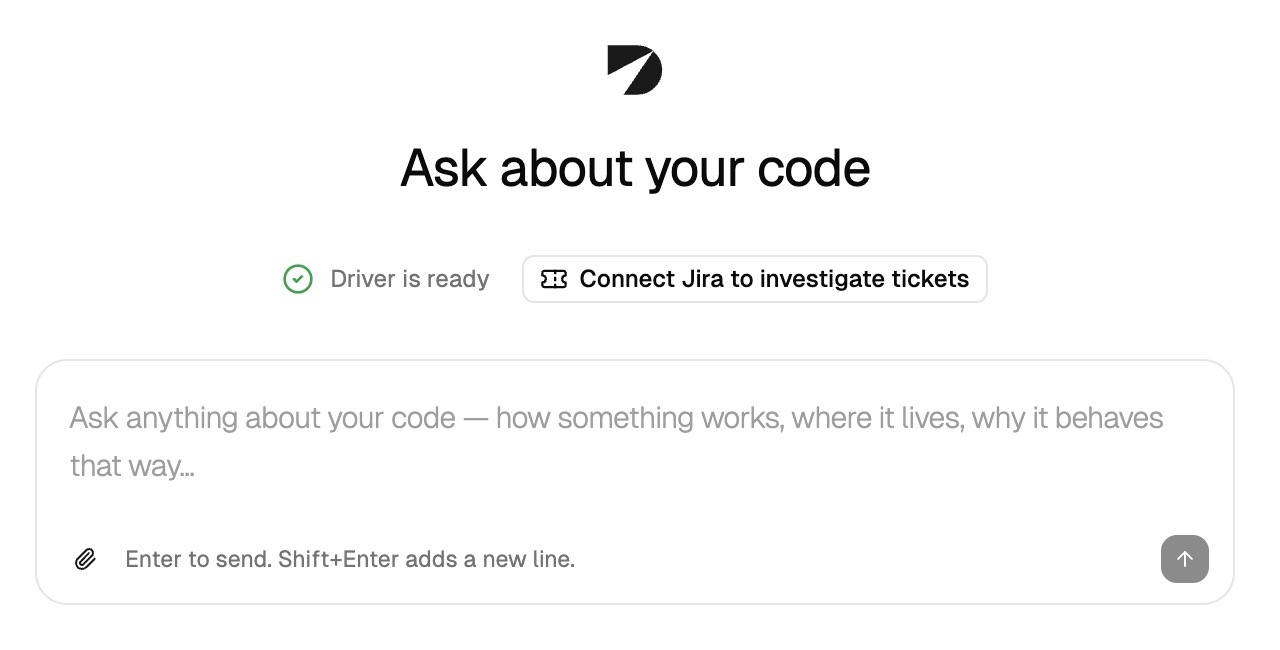
When Driver is ready, ask a question about a connected codebase. View full size.
Review the evidence
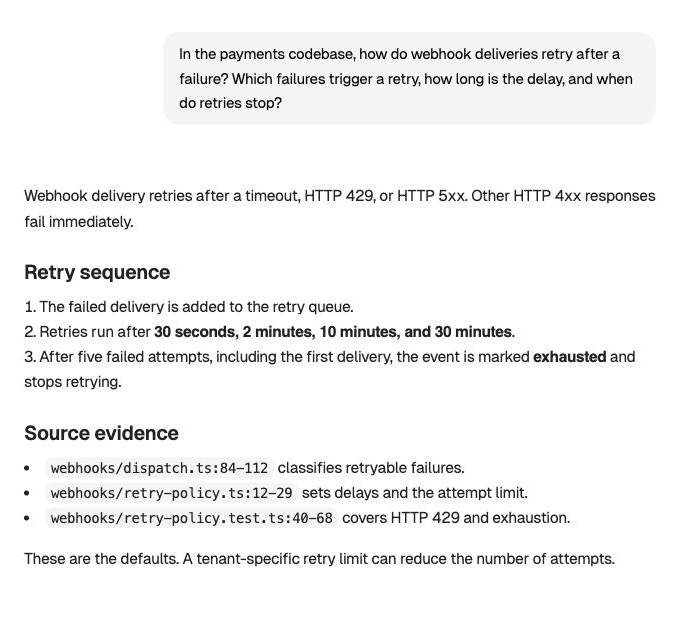
Check the code and test references behind the answer. View full size.
- Follow Driver’s response and the source checks it performs.
- Read the conclusion and open the citations behind it. Confirm that the evidence applies to the customer’s version and environment.
- Ask about alternatives or missing details. For example: “Could the per-tenant override explain why another customer is unaffected?”
- For a ticket investigation, open the report and request an internal note, engineering handoff, or customer reply when you are ready to use the findings.
When you send a message on an automated Jira investigation, Driver opens your private continuation. Other people can continue independently from the same automated starting point.
Use the answer and give feedback
Review a draft before copying it into Jira or another tool. Keep the conclusion, supporting evidence, and any unresolved question together so the next person knows what still needs checking.
Use the feedback controls to rate the investigation as Right, Partially right, Wrong, or Didn’t use it. Add a correction or explanation when useful. In Answers, feedback asks whether the response addressed your question. Closing an investigation is separate from resolving its Jira ticket.